Gold foil


£3.60


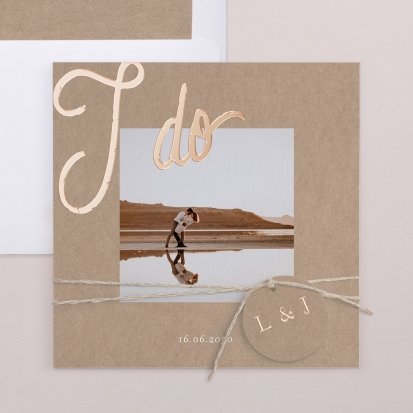
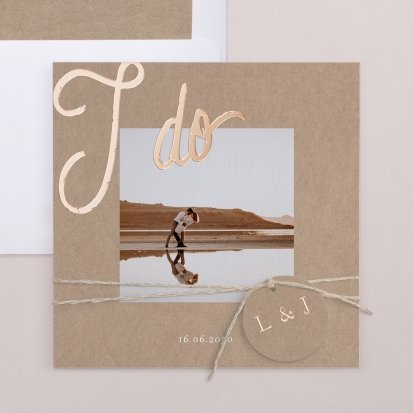
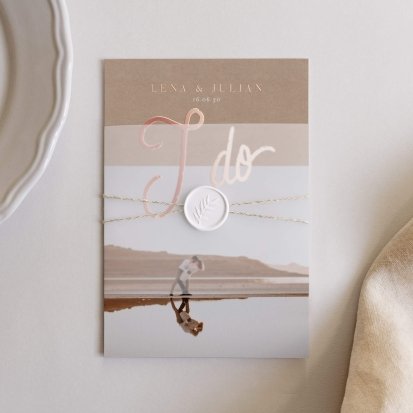
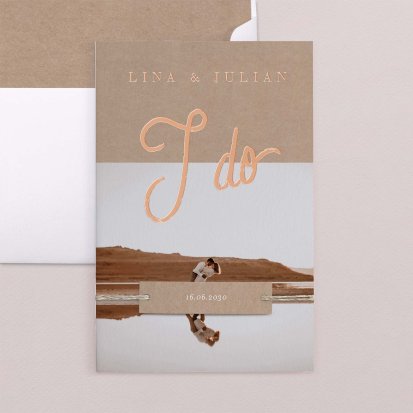
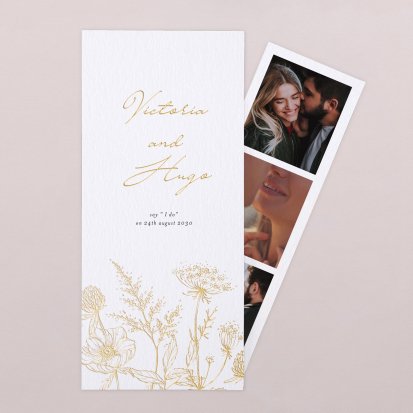
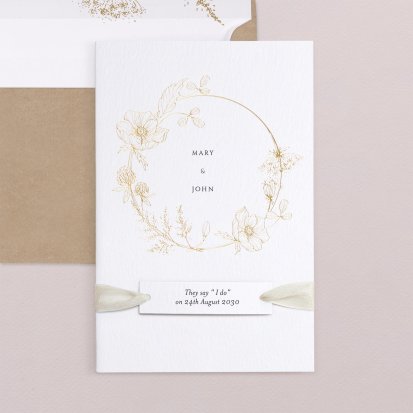
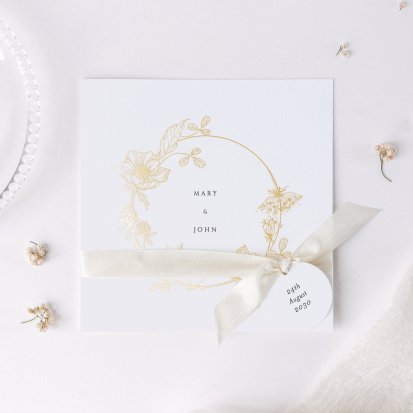
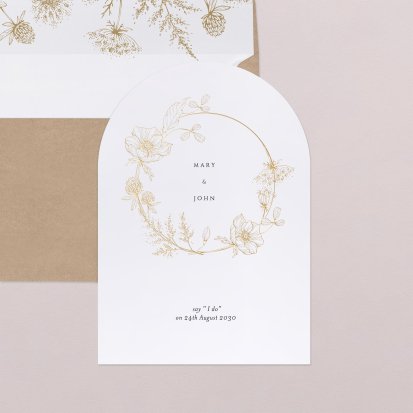
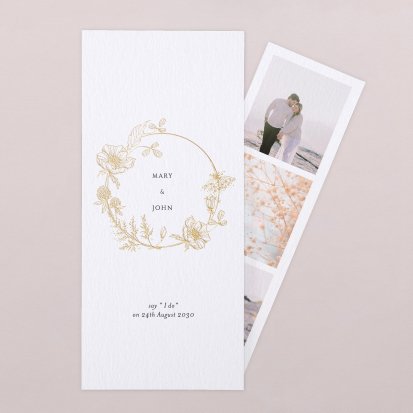
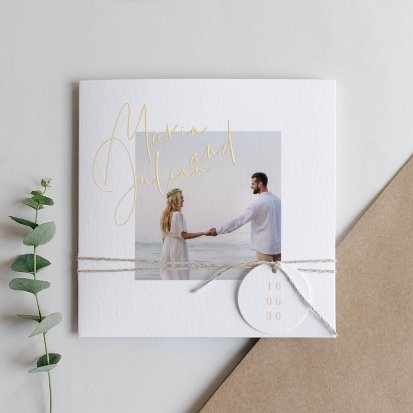
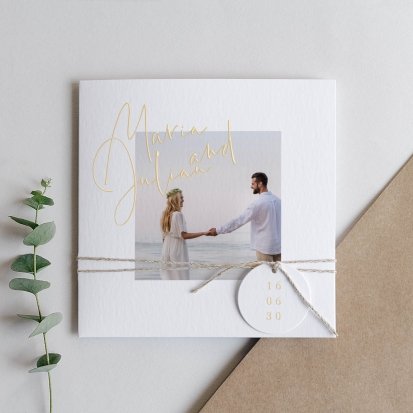
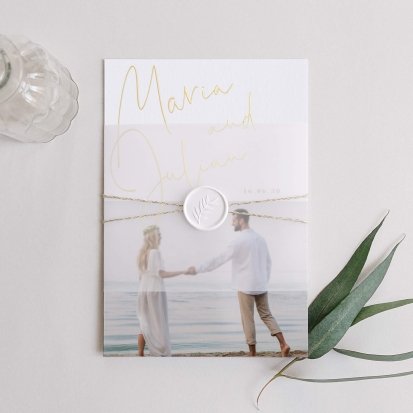
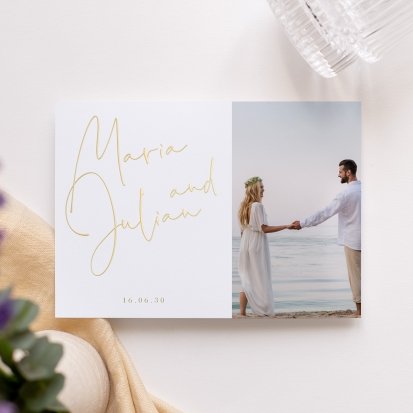
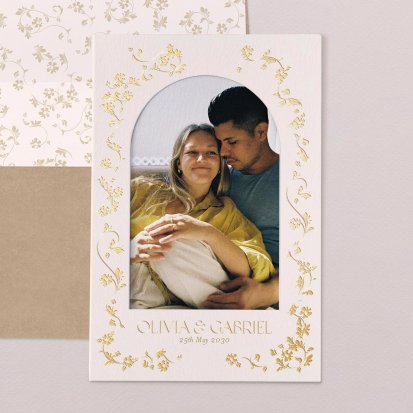
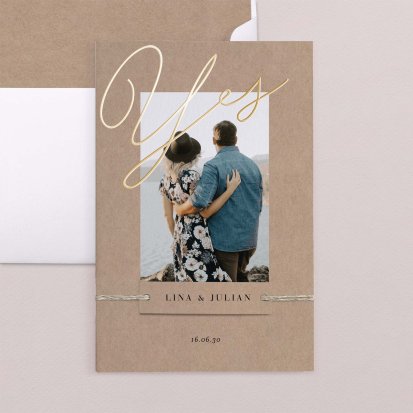
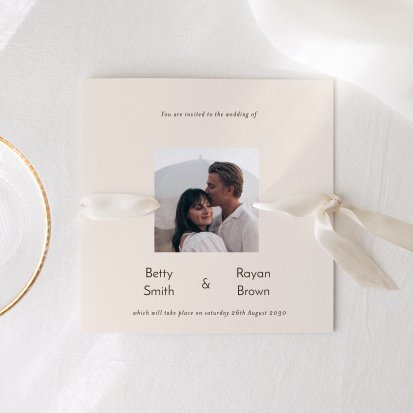
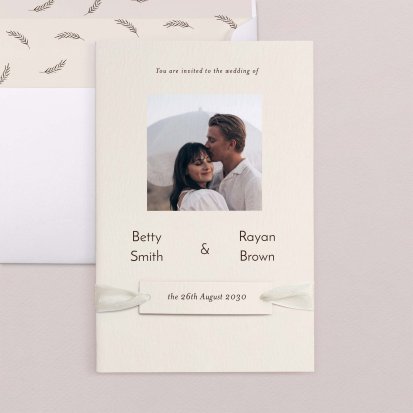
Your photos at the heart of the invitation: a full-page picture, a portrait framed by gold-foiled calligraphy, or a series of shots in photo-booth style.
Reset filters
142 designs


£3.60
£2.51
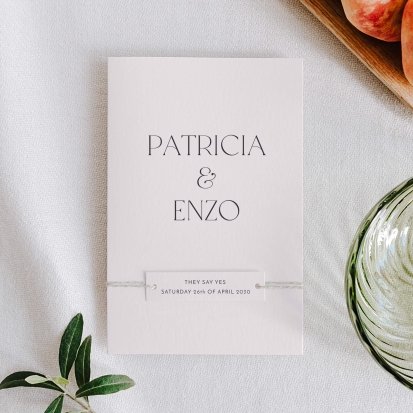
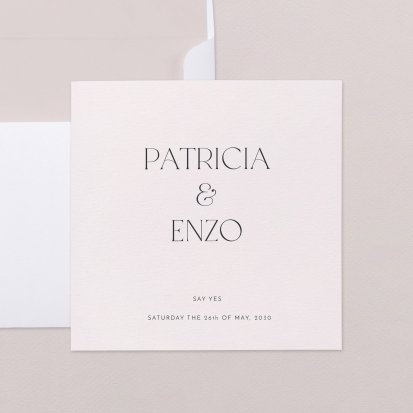
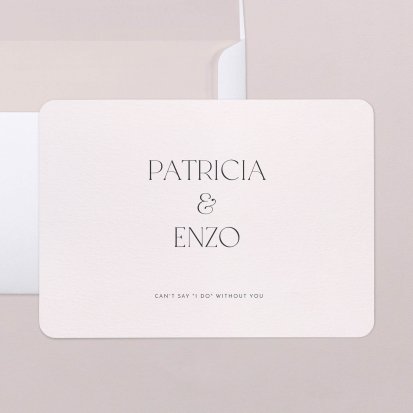
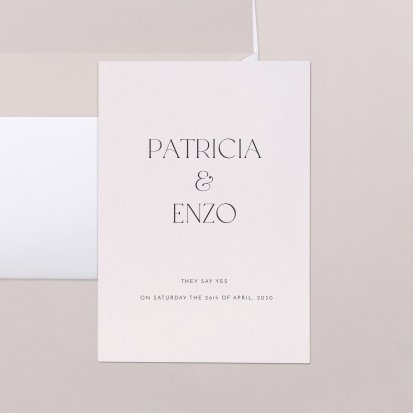
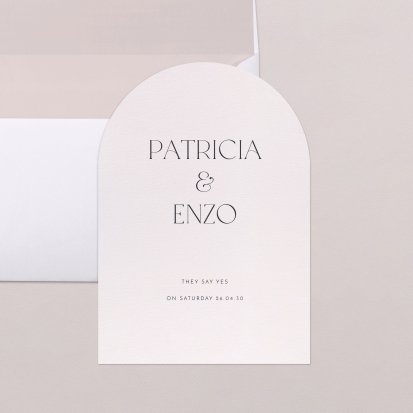
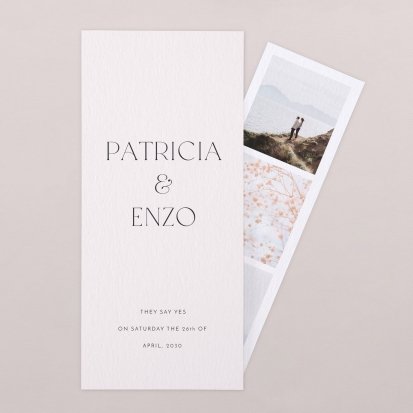
from £2.78
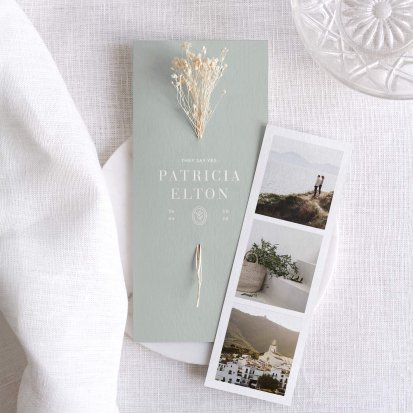
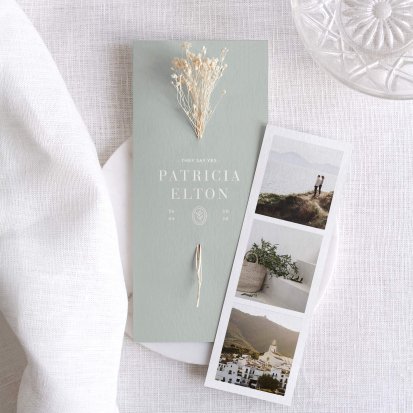
from £2.10
£3.60
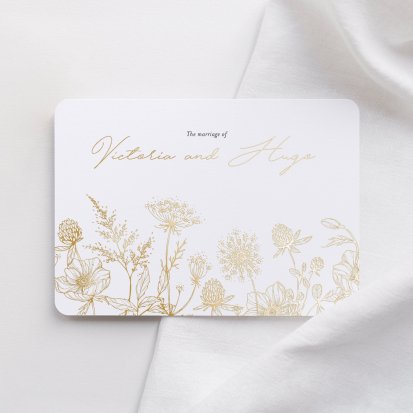

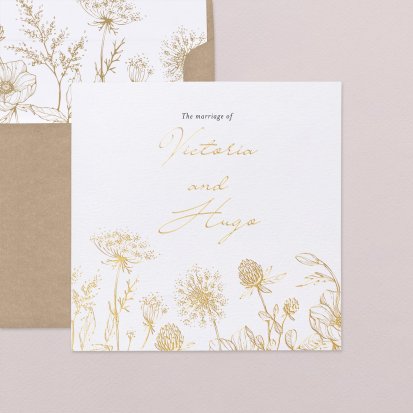
£3.02
from £2.22
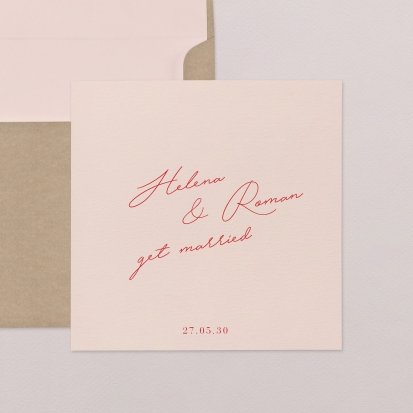
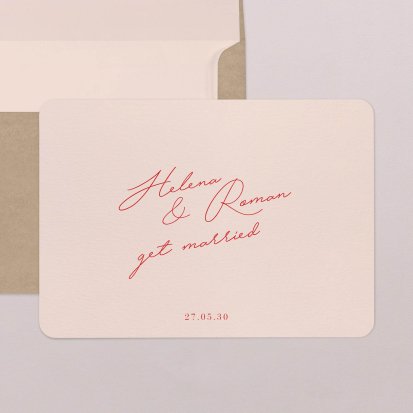
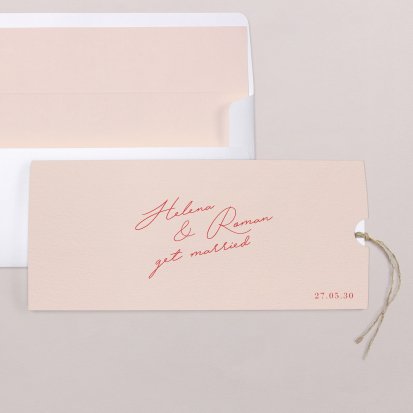
from £2.11
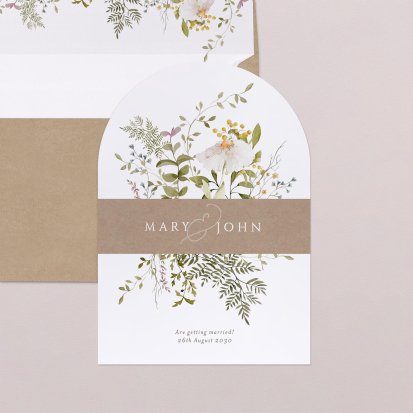
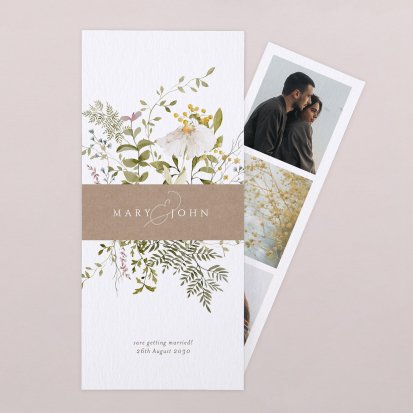
from £2.20
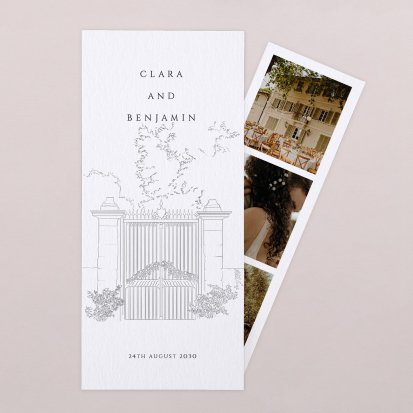
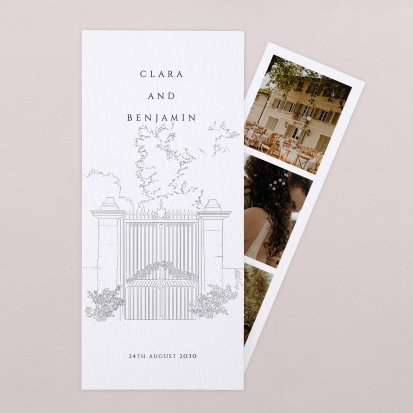
from £2.04
from £2.11
£3.30
£3.60
£2.50
from £2.04
from £2.11
£2.51
from £3.20
£2.51
from £2.10
£2.44
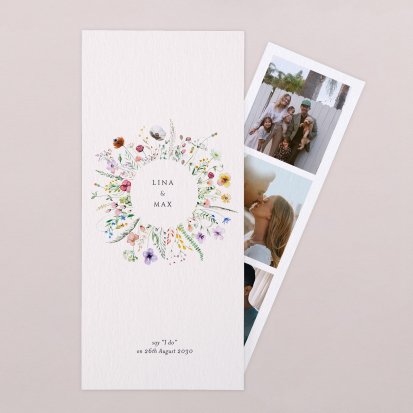
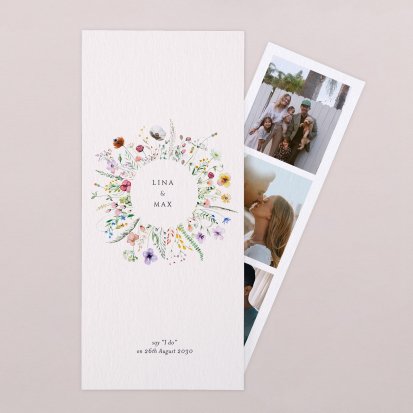
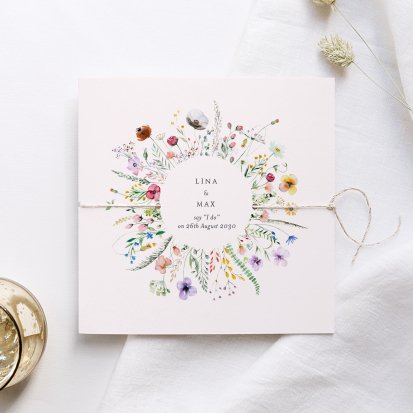
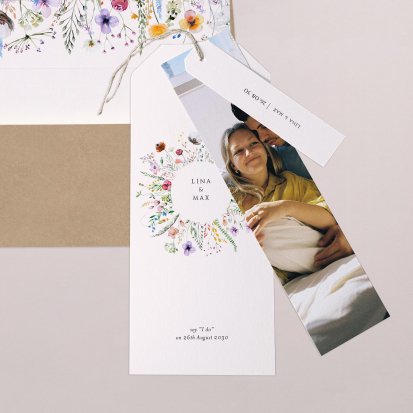
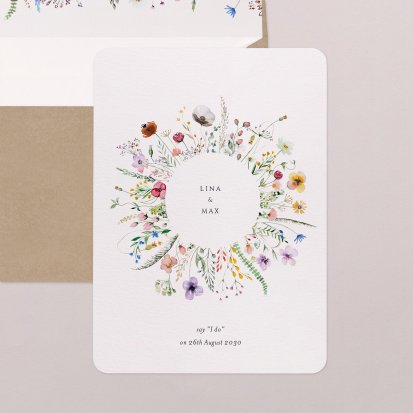
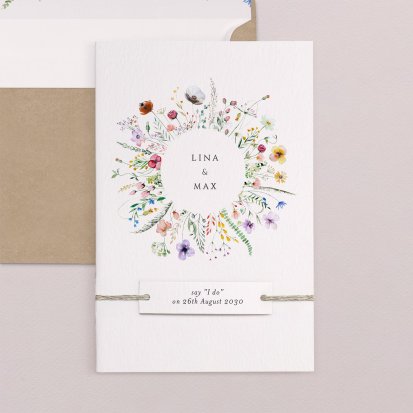
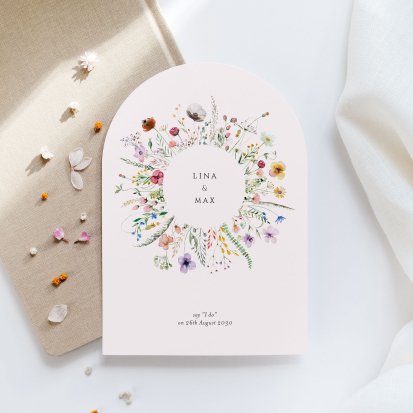
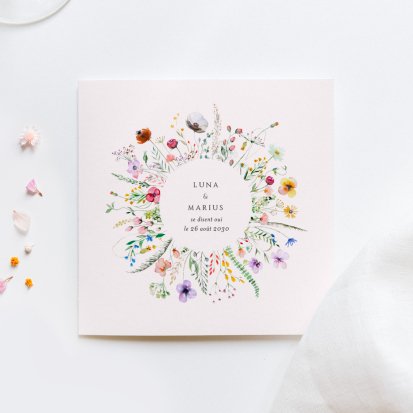
from £2.04
£2.51
£2.51
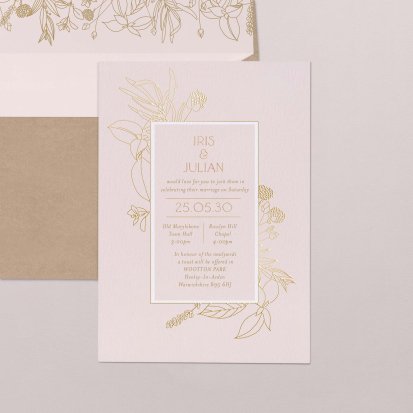
£2.51
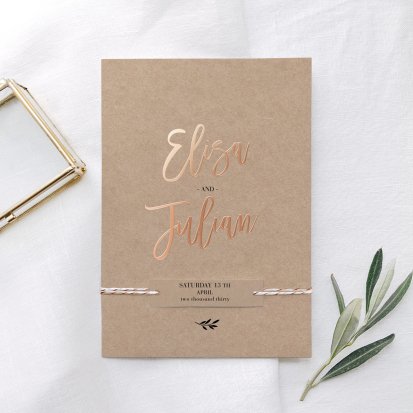
£3.60
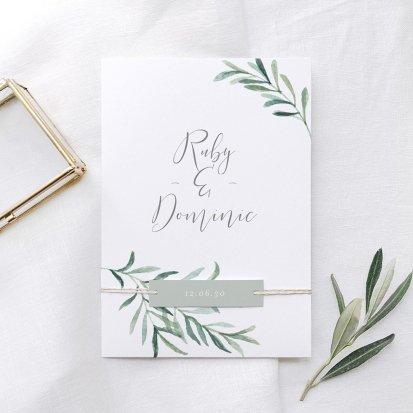
from £3.20
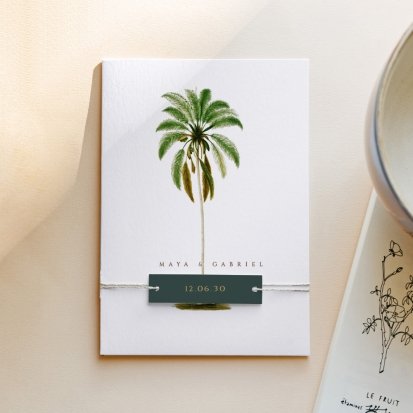
£3.20
from £3.20
£3.60
from £2.20
from £2.20
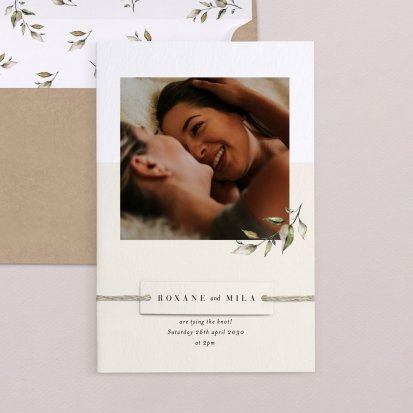
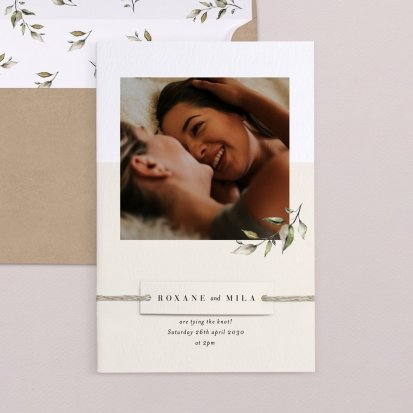
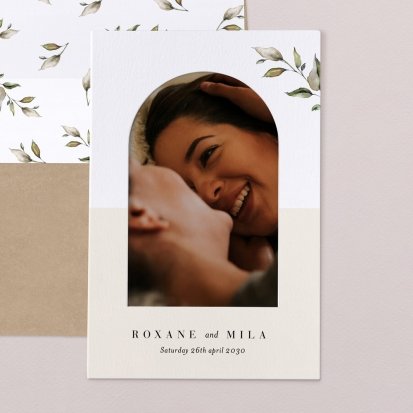
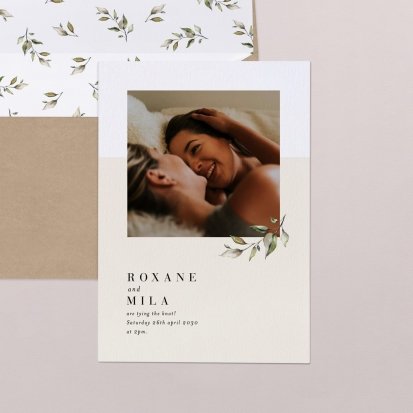
from £2.78
from £2.78
£2.50
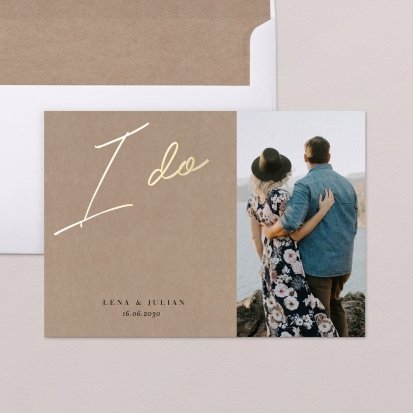
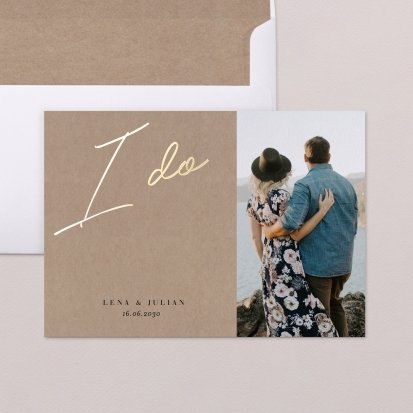
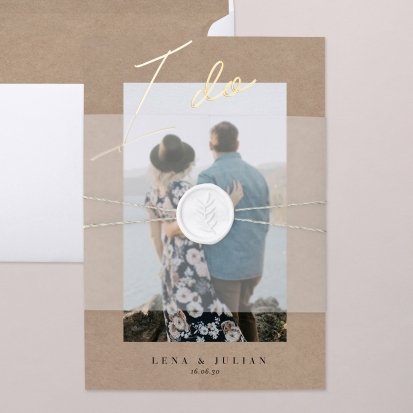
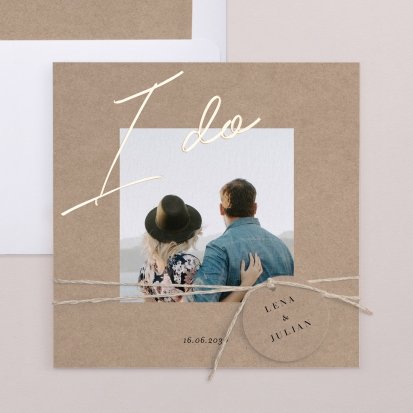
£2.07
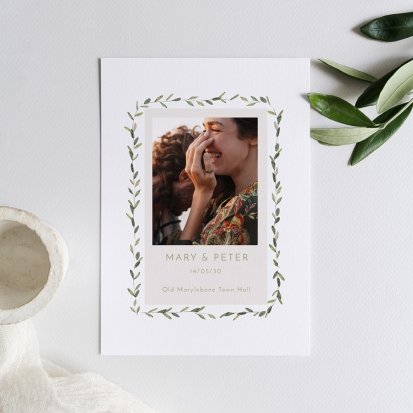
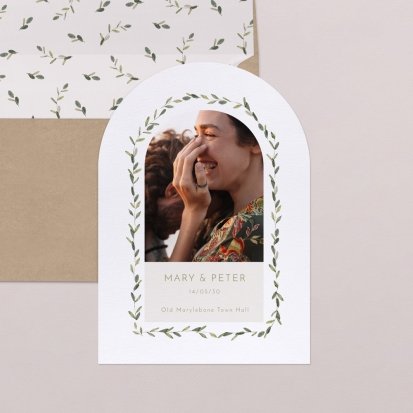
from £2.04
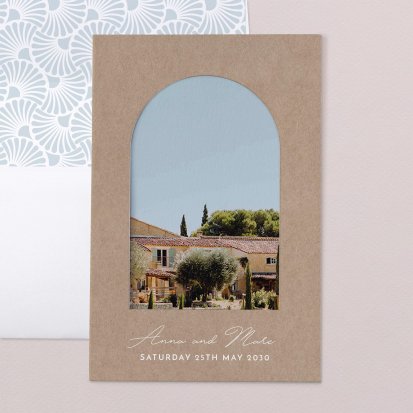
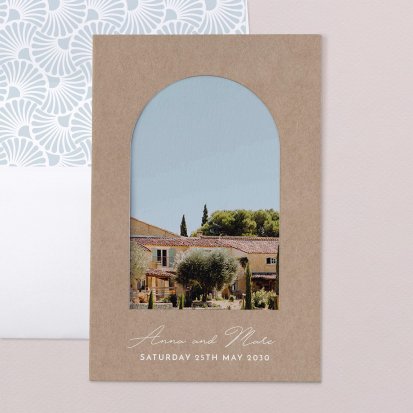
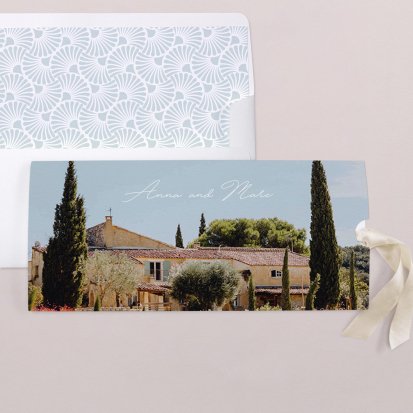
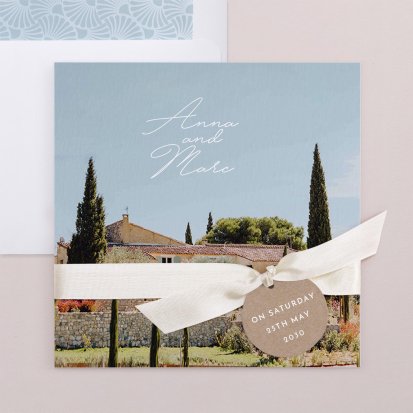
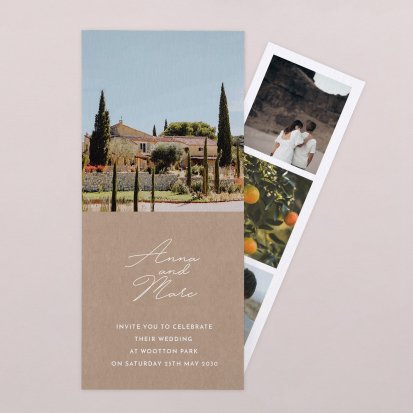
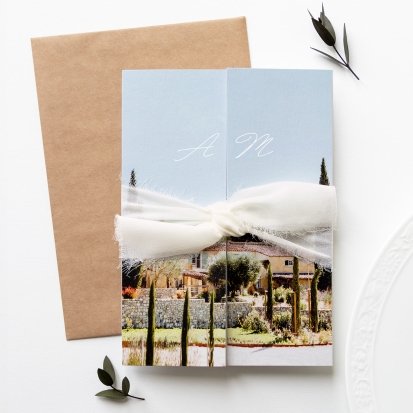
from £2.04
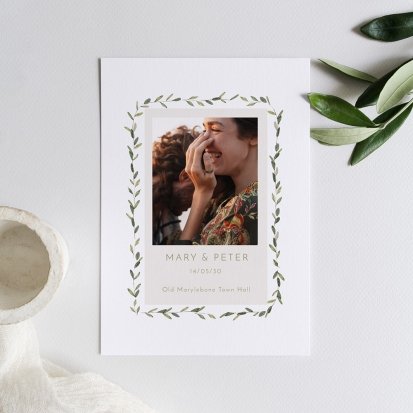
from £1.67
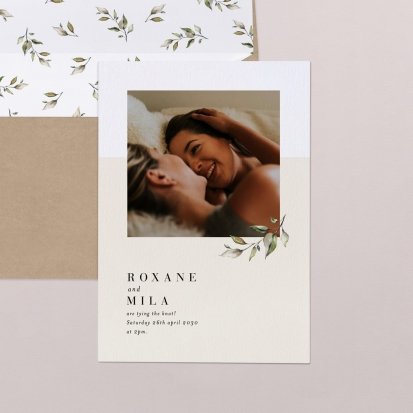
from £1.67
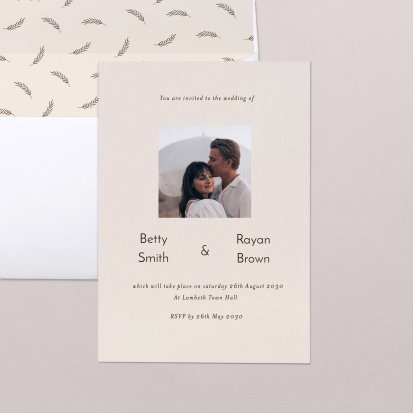
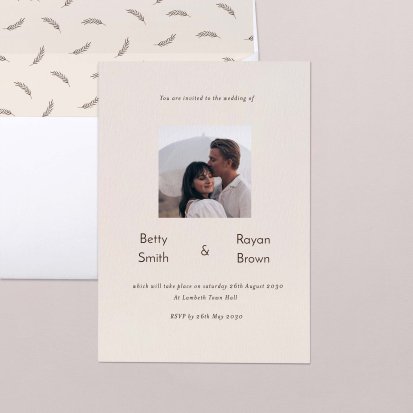
from £1.67
from £1.84
People often pick the invitation first, then look for a photo that fits. The other way round works better. A photo taken from a distance, with sky or a wall around you, leaves room for the text. A close-up portrait, on the other hand, needs a layout where the details sit alongside or on the back.
Orientation matters too. A vertical photo fits a portrait format, a horizontal one a landscape format. Forcing one into the other means cropping, and you often lose what made the picture special.
Black and white is worth trying. It smooths out colour differences between a photo and the rest of the card, and it pairs well with gold foil.
A screen emits light, paper reflects it. A photo that looks bright on your phone will therefore come out a little darker and a little less vivid once printed. If your picture already looks dark on screen, lighten it slightly before uploading it.
To see how your photo really prints, order the personalised sample offered on the product page. And if you would like a professional eye to check everything, the proofing option, selected in the basket, includes a quality check of your photos and retouching. It adds 48 to 72 working hours to the processing time.
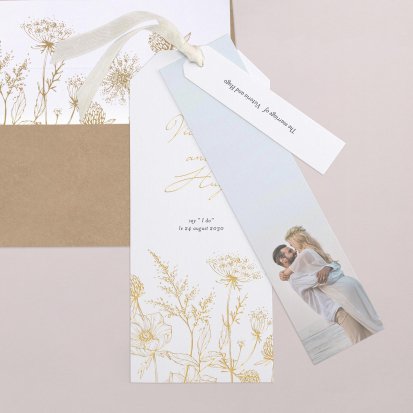
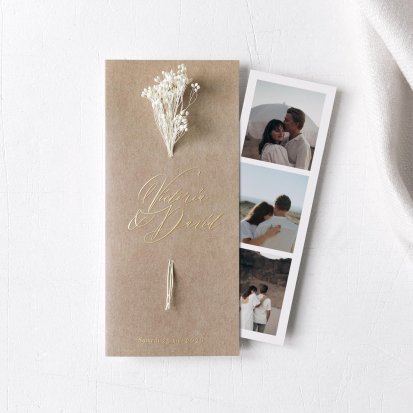
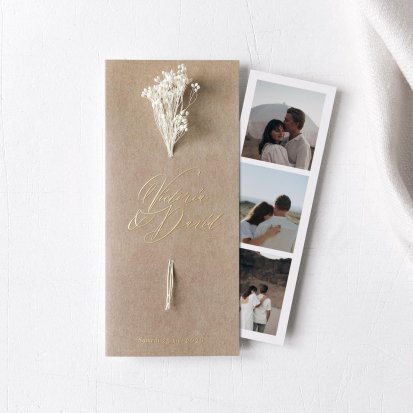
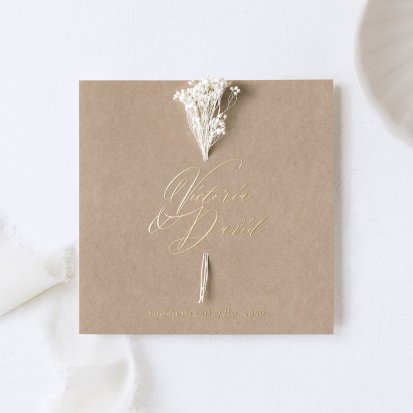
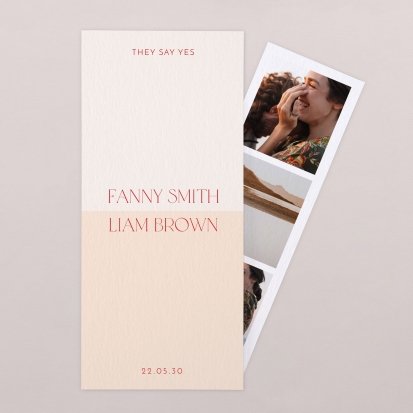
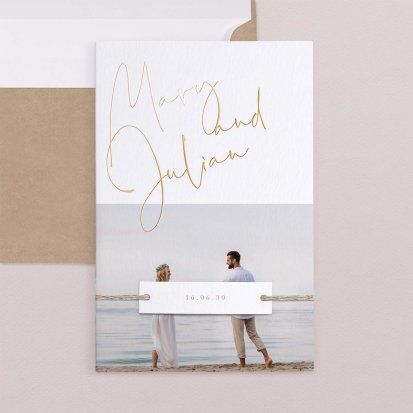
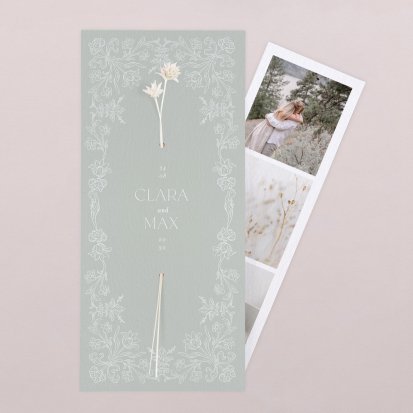
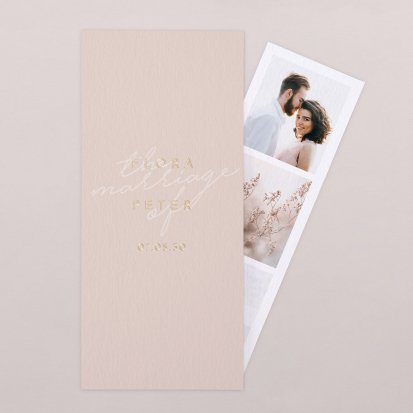
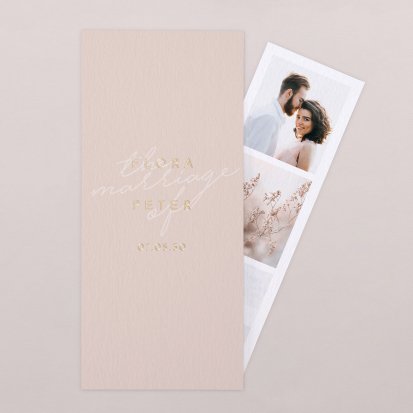
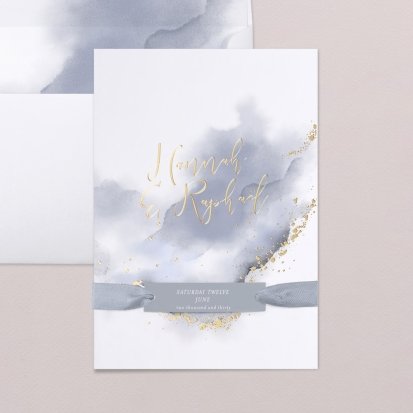
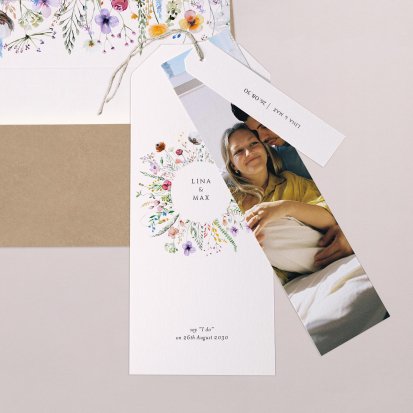
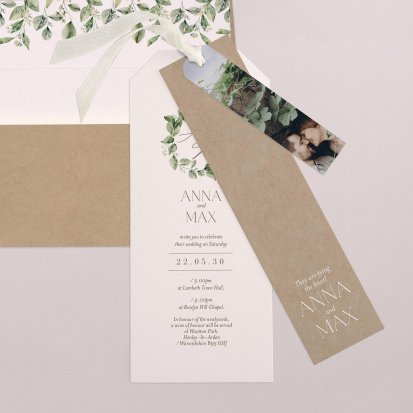
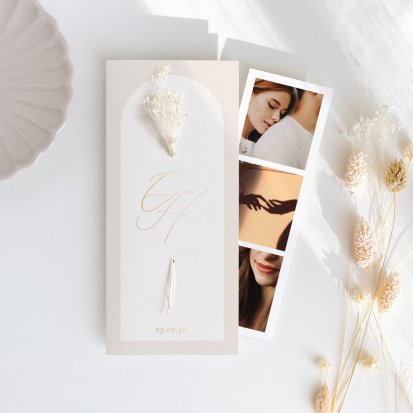
The photo can be the heart of the invitation or one element among others. On Pure Gold, it accompanies your calligraphed, gold-foiled names. On Tonnelle's folded bookmark, several photos follow one another in a strip, as in a photo booth. If that idea appeals, our photo-booth format selection explores it further.
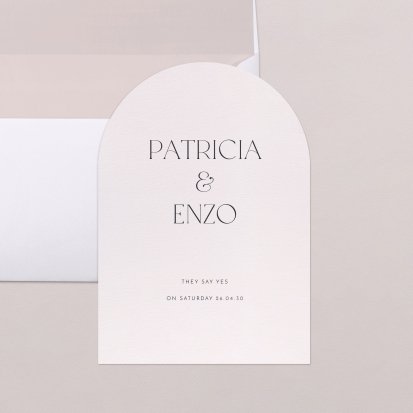
And if you are saving your photos for after the wedding, our invitations without photos leave all the space to the illustration.
A screen emits light while paper reflects it, so a printed image looks a little darker and less vivid than on screen. Lighten a dark photo slightly before uploading it, and check the result with a personalised sample.
Yes, with the proofing option, selected in the basket. It includes a quality check of your photos, retouching and exchanges with our team. It adds 48 to 72 working hours to the processing time.
Both work. Black and white smooths out colour differences between the photo and the rest of the card, and pairs particularly well with gold foil.
Content written by Lena Marker, Editorial Expert at the Cotton Bird workshops (view LinkedIn profile).